


LeggìoVoice Reader
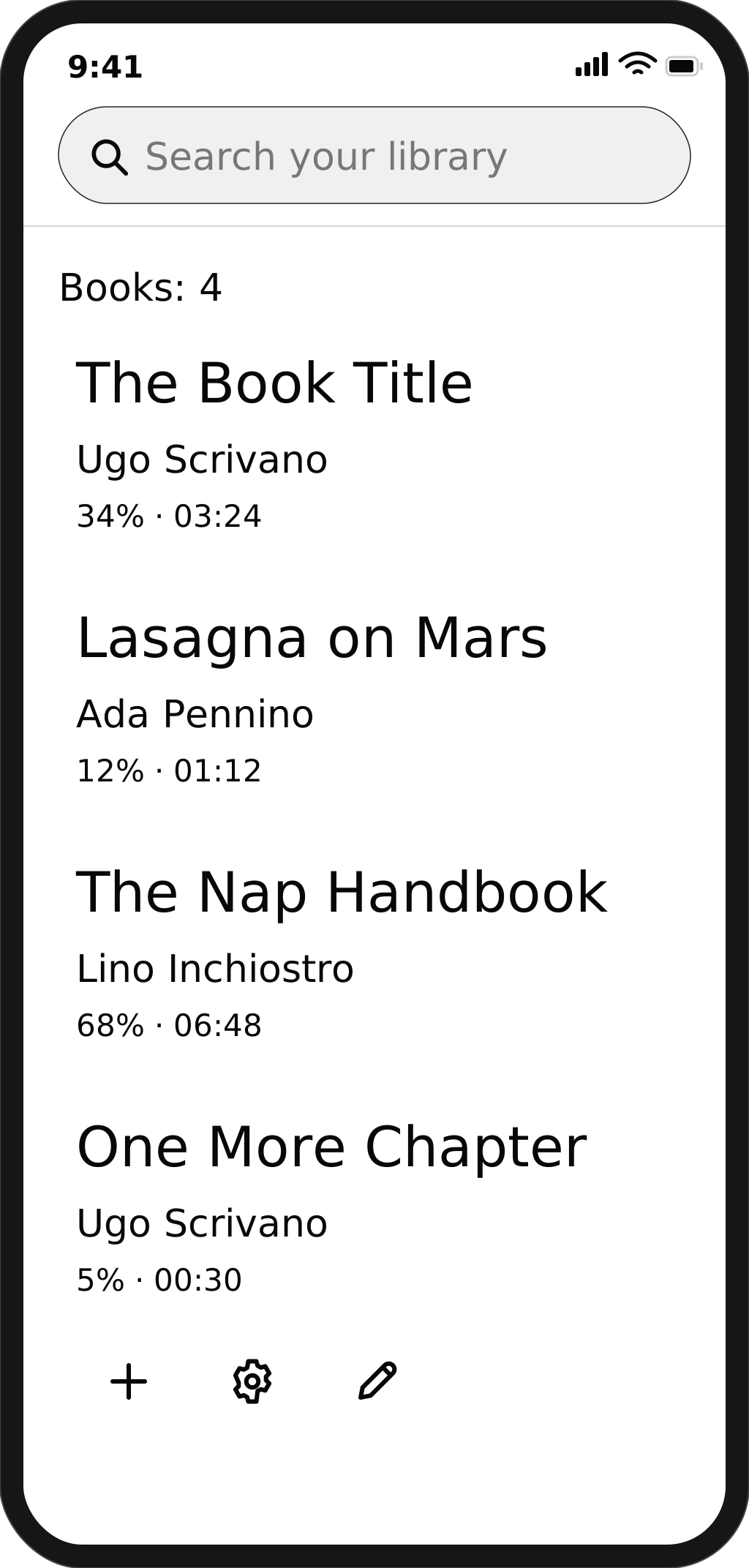
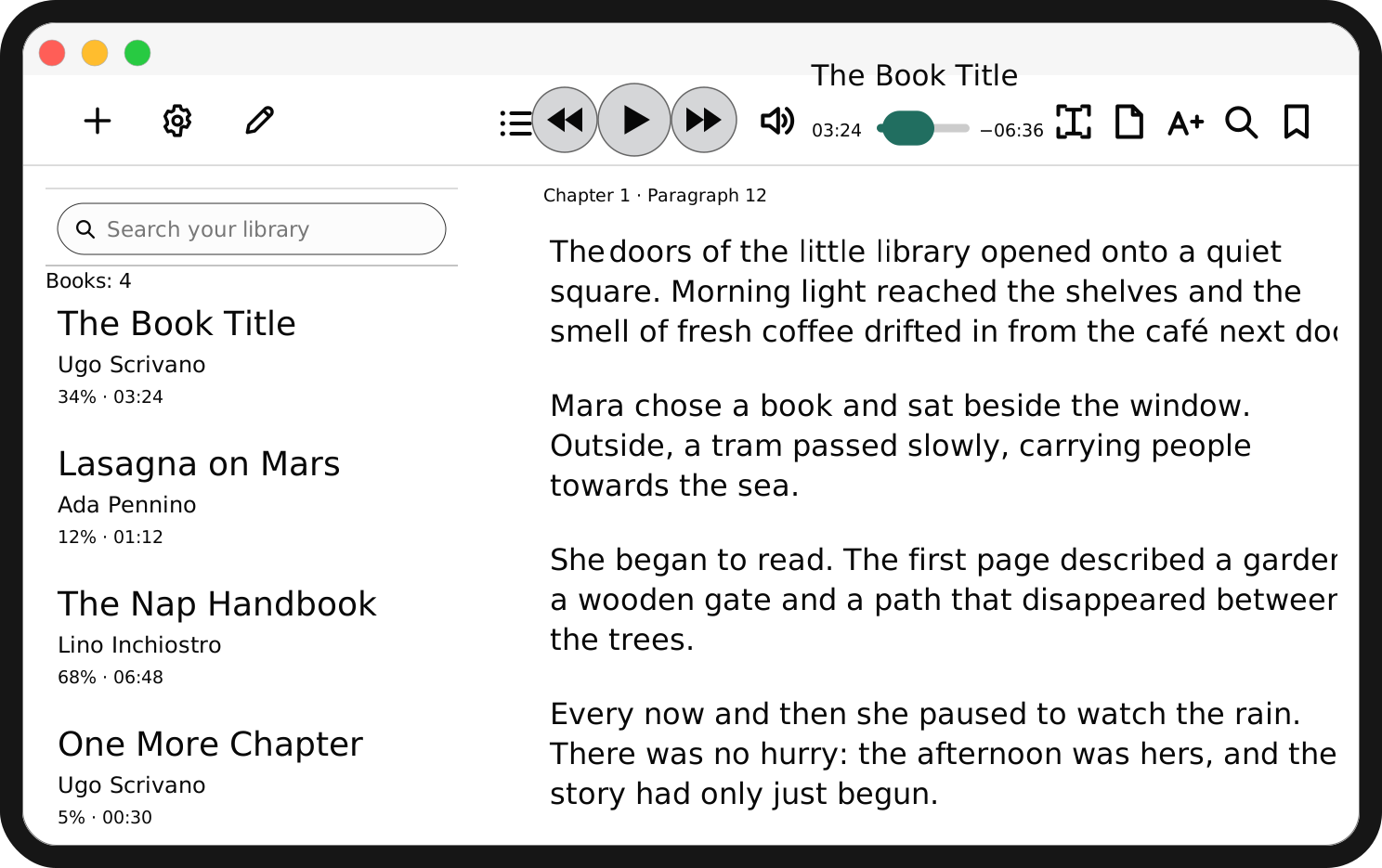
Read and listen to your ebooks at your own pace, with advanced AI voices and features designed for accessibility.
One app for computers, tablets and phones. Sync your library and pick up reading on the device you prefer.
READ AND LISTEN
Text and voice, together.
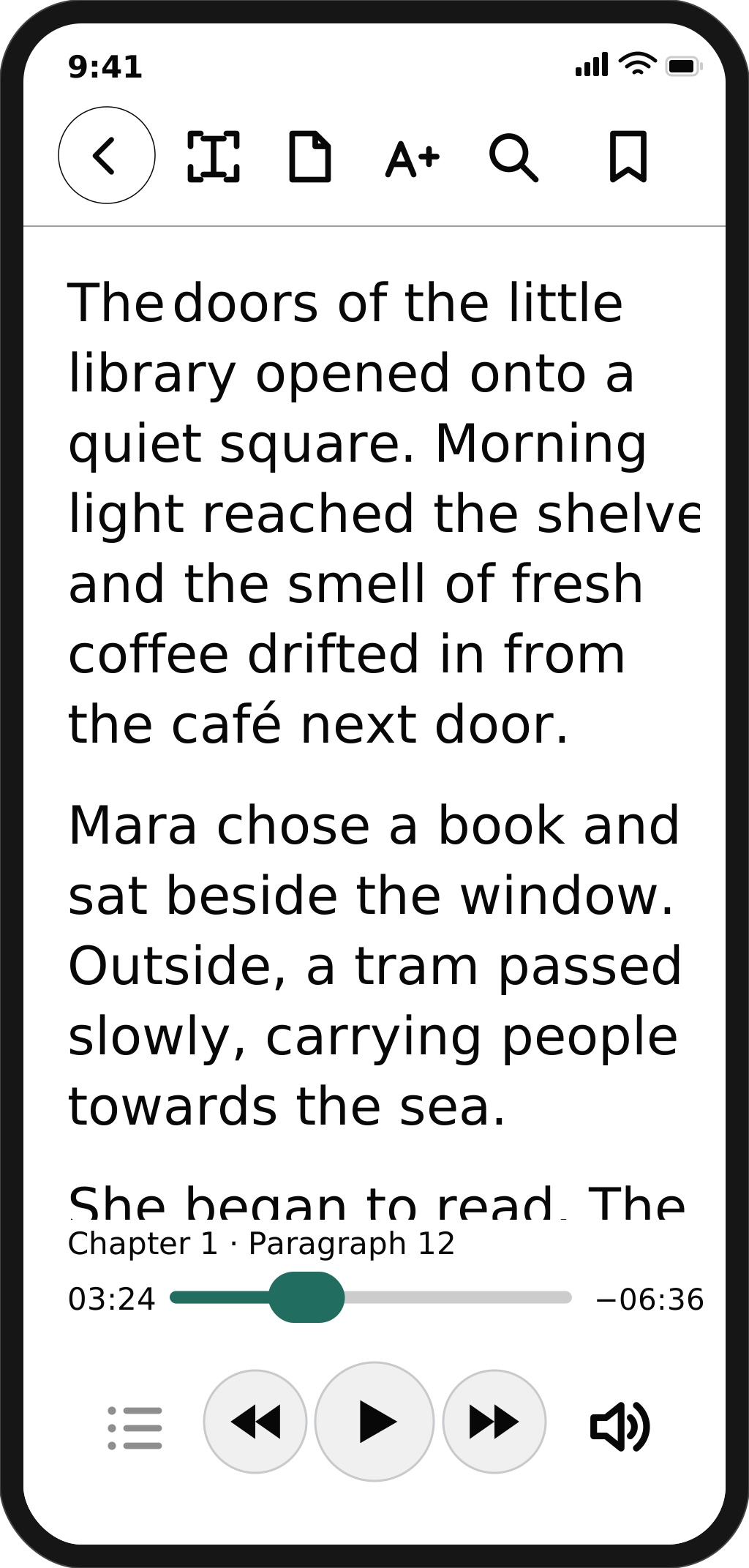
Follow the book as you listen, and pick up from the passage that matters to you.
- Find your place
- Your reading position is saved so you can continue where you left off.
- Search and keep what matters
- Find a passage, select text, and keep notes and bookmarks.
Read and listen, anywhere.
SUPPORTED FORMATS
Books and everyday documents.
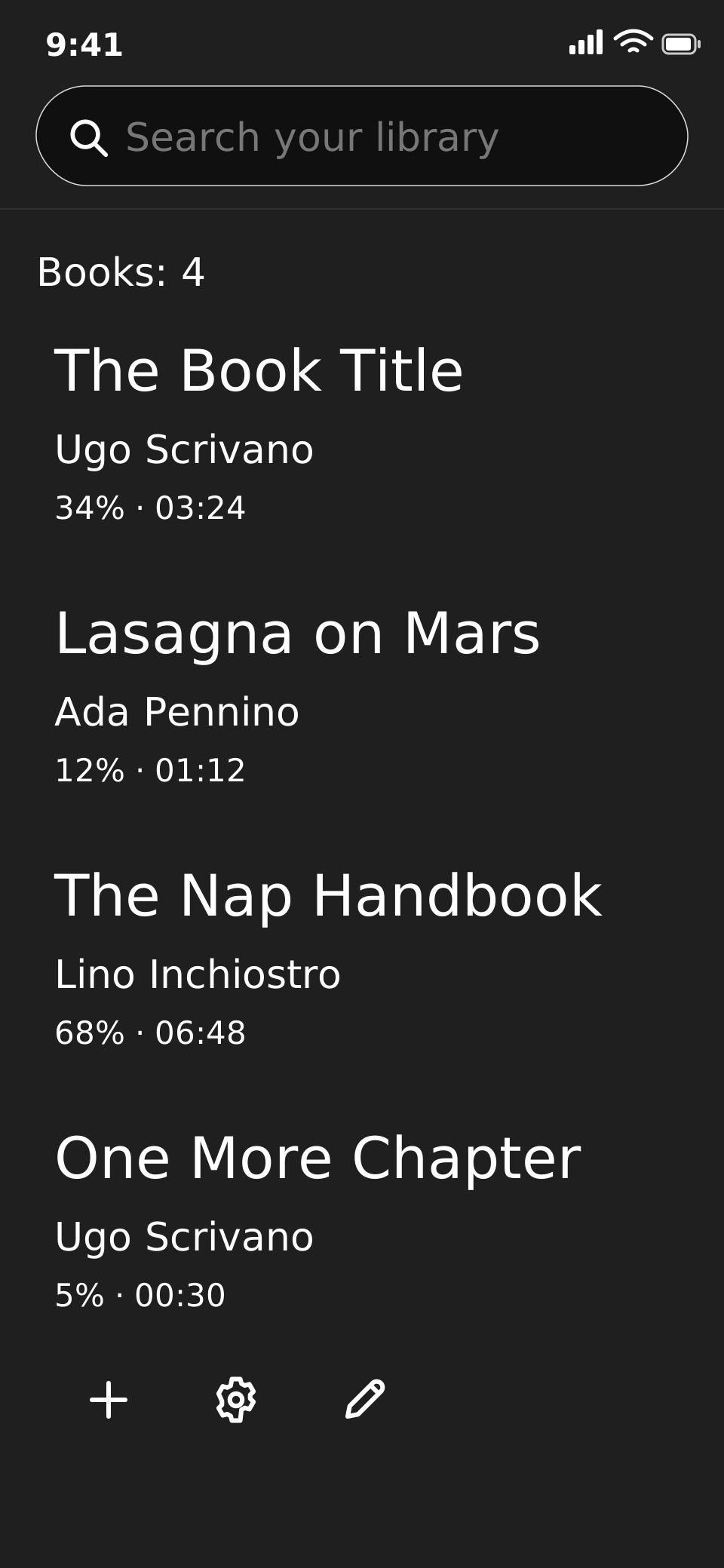
Import books and documents in familiar formats and find them together in your library.
- EPUBEbooks without DRM
- PDFDocuments with selectable text
- DOCX · RTF · ODTText documents
- TXTPlain text
- HTML · MarkdownPages and structured text
DRM-protected books are not supported.
THE VOICES
Choose how your reading sounds.
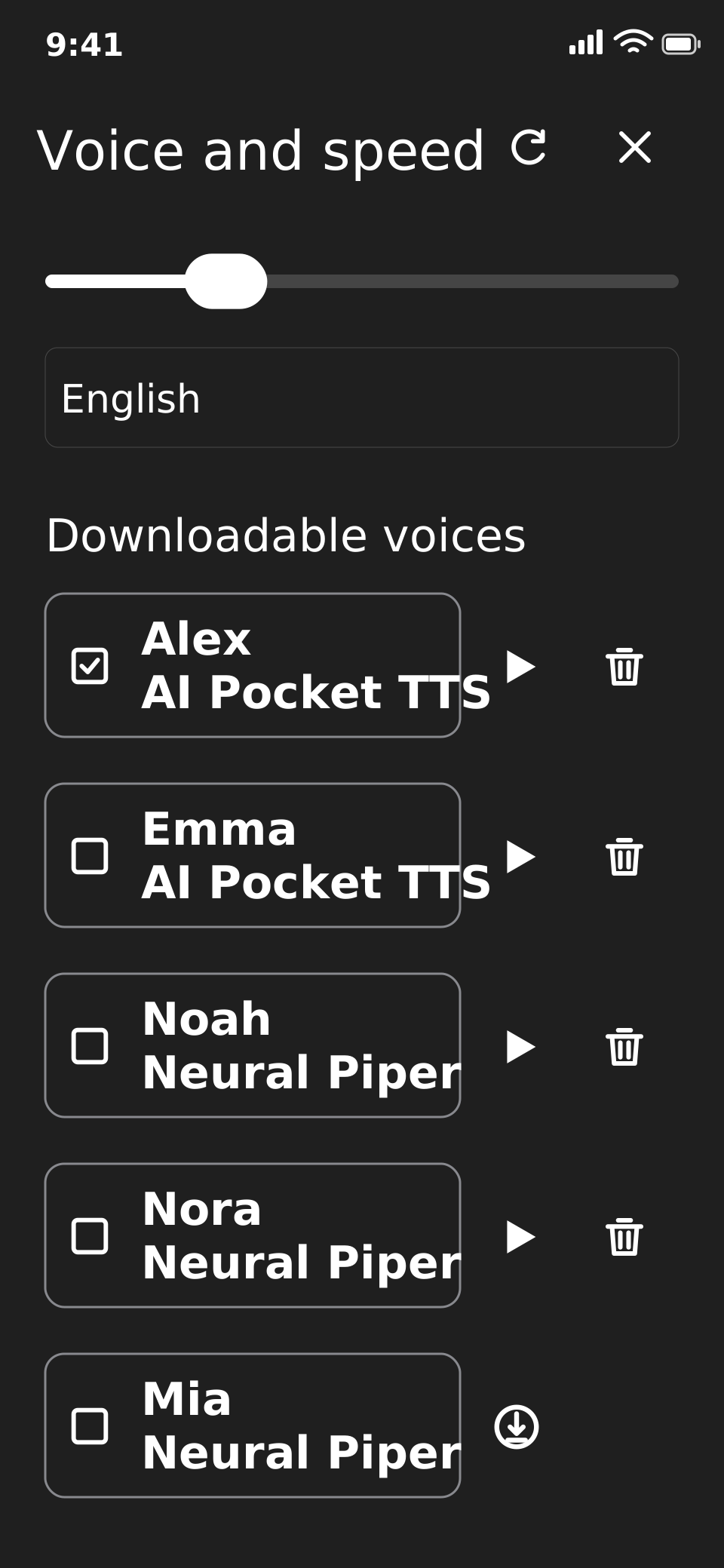
Read and listen to books in different languages, choosing from the voices available for each language. The selection includes neural and AI voices with a range of tones and styles, so you can find the one you enjoy most.
- Different tones and styles
- Adjustable listening speed
- Reading languages: Italian, English, French, German, Spanish, Portuguese, Dutch, Swedish and Hindi.
Downloaded voices work offline too.
Availability varies by language and device performance.
ACCESSIBILITY
Reading that adapts to you.
Adjust the text and follow the voice, with the controls you need close at hand.
For readers with dyslexia
Text and audio together, so you can choose how to follow a book.
For readers with low vision
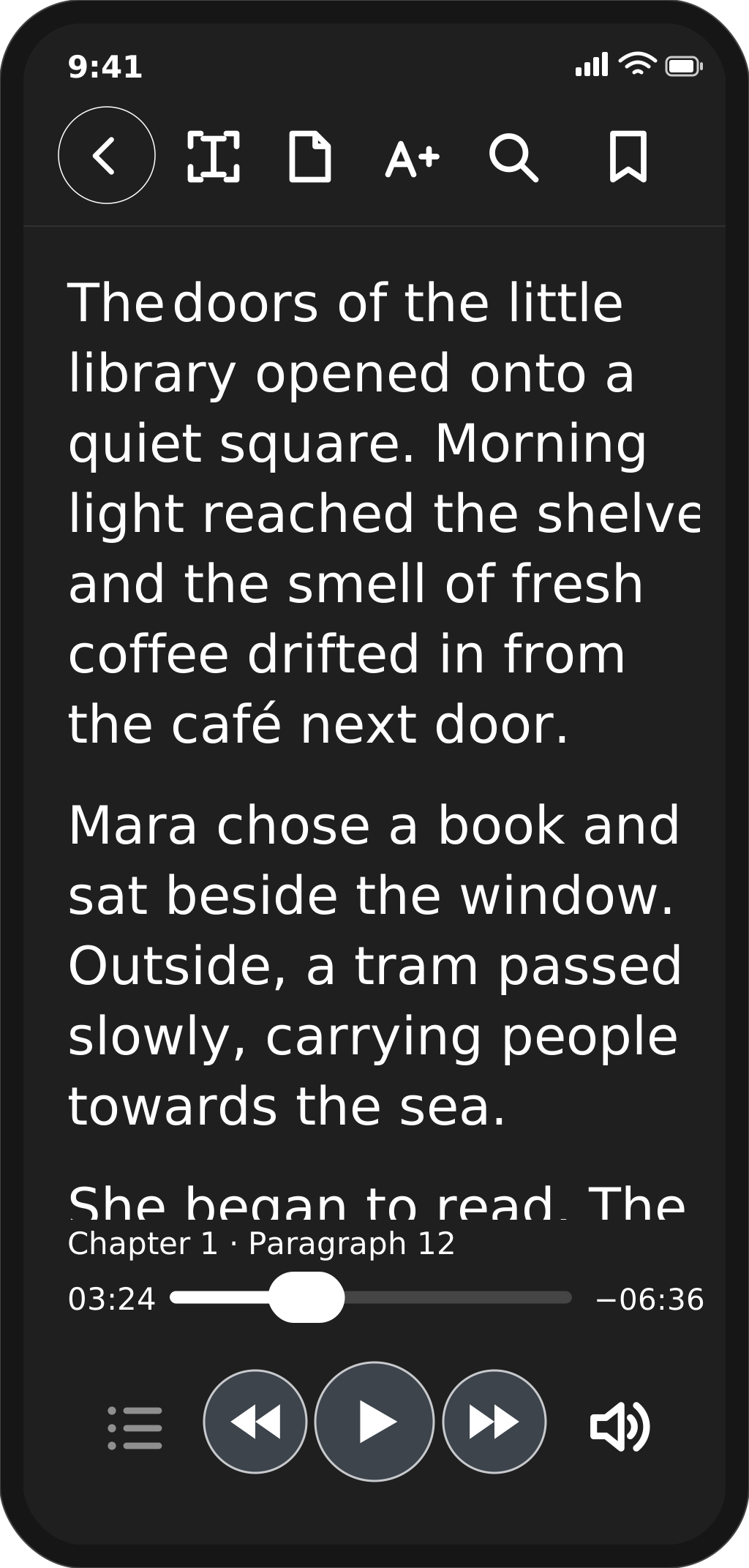
Enlarge the text, choose a light or dark theme, or listen aloud.
ADHD and learning differences
Choose text, audio or both. Adjust the pace and use bookmarks to find a passage again.
- Text at the right size
- Enlarge the text while keeping your reading position in view.
- A comfortable theme
- Light and dark themes, with clear text and controls.
- VoiceOver, TalkBack and keyboard
- Controls with accessible labels for screen readers such as VoiceOver and TalkBack, and keyboard shortcuts on computers.
- Follow the spoken text
- Follow the passage on screen as it is read aloud.
Try Leggìo
The beta is available for iPhone, iPad, Mac, Android, Chromebook and Windows.
Latest version: 1.5.2 · build 41
Published:
 Try on iPhone and iPad
Try on Mac
 Download for Android
Download for Chromebook ARM64
Download for Chromebook Intel
 Download for Windows x64
Download for Windows ARM64
Install Android and Chromebook with an APK, and Windows with an MSI. The iPhone, iPad and Mac links open a TestFlight invitation.